Skip to content
Menu

Build with the OpenAI API and Codex

ChatGPT Advanced Course

€4,150 + VAT

  • Build Custom GPTs that fetch live data through actions.
  • Create dashboards and apps with Codex, no coding needed.
  • Set up your own AI operating system with Codex.
Get a tailored quote

4.7/5 (across all courses)

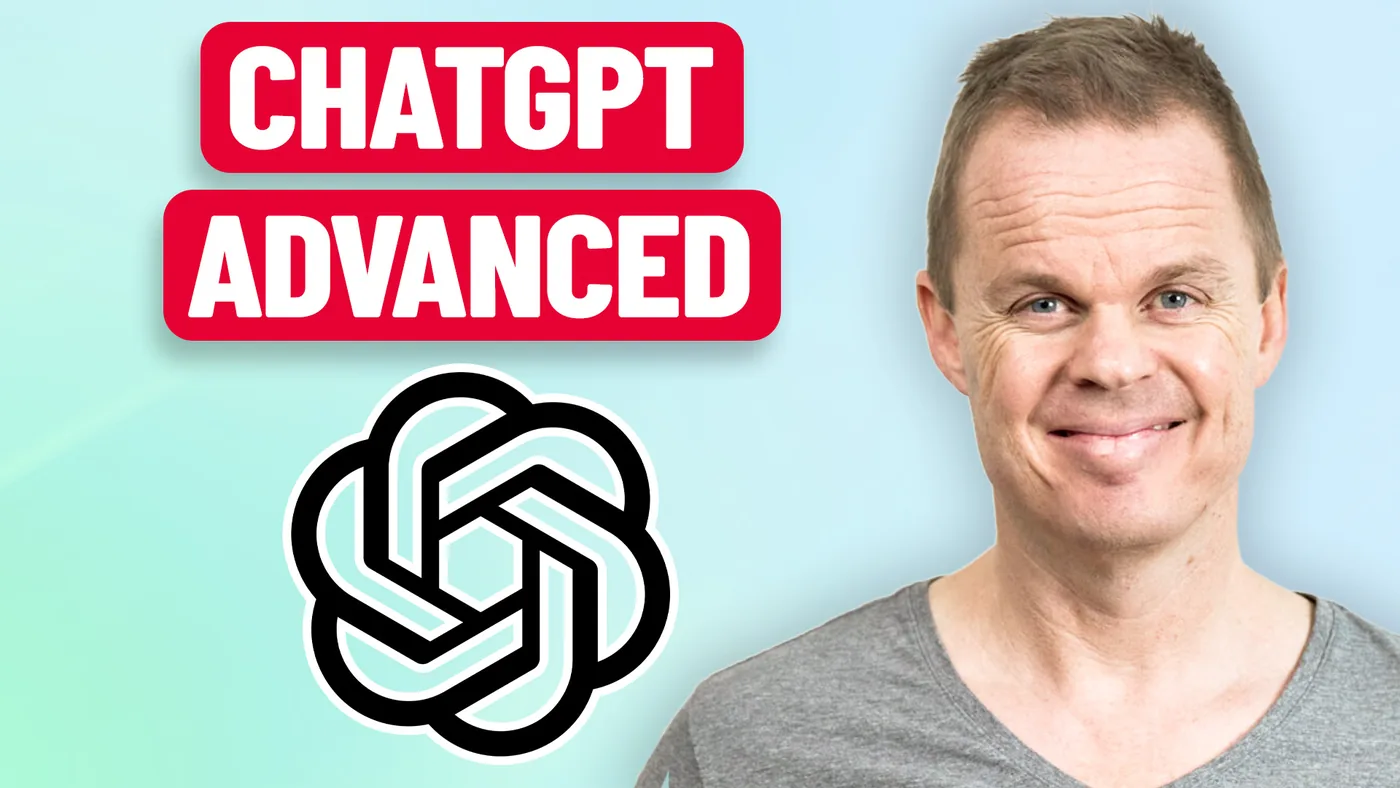
Anders Jensen next to the ChatGPT logo and the text "ChatGPT Advanced".

What you will learn

On the course you go from using ChatGPT to building your own solutions with it. You describe what you want, and Codex writes the code.

By the end of the course you can:

  • Describe a task precisely enough that Codex builds what you need.

  • Use the OpenAI API to connect AI to your own data and tools.

  • Judge whether a task calls for a Custom GPT, an automation, or Codex.

  • Fix what Codex has built by describing the problem in plain words.

About the course

Details and modules

  • Lessons

    The course is six blocks, each with 20 minutes of teaching and 40 minutes of exercise on the same case:

    • Custom GPTs and actions: Build a GPT with your own instructions and a price list as knowledge, then give it hands: An action that fetches today's exchange rate from an API. Bonus: Scheduled tasks, Work and agents.
    • Vibe coding with Codex: Open a folder with four months of sales reports in the ChatGPT app and get a dashboard from one prompt. Change it with one sentence, and let Codex find the fault when a report changes format.
    • Your first API call: Create your key on the OpenAI platform, make the first call to the OpenAI API in Playground, read the call in code and in the logs, and let Codex build a chat page that remembers the conversation and shows what every answer costs.
    • API tools: The same call to the OpenAI API with two things added: File search, so the model answers from your documents, and structured output, so the answer comes back as fields a program can use. Bonus: Function calling and MCP.
    • Your first AI automation: Record a meeting and build a Power Automate Desktop flow that transcribes the recording, writes the recap and saves it next to the recording. Same API, no code.
    • Your AI operating system with Codex: A folder with a manual that Codex builds the structure from. Obsidian as the window, an inbox, skills that sort and write recaps, and scheduled tasks that run while you are away.

    Changes: New features are continuously added to ChatGPT. When appropriate, we incorporate these into the course to ensure coverage of the newest functionalities. Therefore, the above topics may be adjusted accordingly.

  • Target audience

    The course is for people who use ChatGPT every day and want to build things themselves: Consultants, IT and digitalisation staff, analysts, automation specialists and AI leads. You do not need to code. You need to be willing to describe what you want and keep trying until it works.

  • Prerequisites

    You should have used ChatGPT before, but the beginners course is not a prerequisite.

    If you are completely new to ChatGPT, start with our ChatGPT beginners course.

  • Duration and location

    The course lasts a full day (7 hours). We agree on the date and location with you, and you choose whether it runs on-site or online.

    Online, we draw on our experience from the YouTube channel to keep the teaching lively and interactive on screen.

    On-site, we come to you. Travel and accommodation are added to the price by agreement.

  • Equipment and licences

    The course runs on the participants' own computers. Each participant needs ChatGPT on a paid plan (Business recommended), an account on the OpenAI platform with a payment card and at least 20 USD in credits, and the ChatGPT app for Windows, Power Automate Desktop and Obsidian installed. You receive a preparation guide before the course.

  • Format

    The course combines live teaching with practical exercises. Participants work through examples and tasks themselves, with help from the instructor.

    Every exercise sheet guides participants click by click.

  • E-learning

    Participants get access to our e-learning during the course and can use it afterwards at their own pace. It lives on I Love Automation, where the content is kept up to date. There are also active communities where participants can get help applying what they learned to their own work.

  • Number of participants

    We recommend up to about 15 participants per course. That leaves room for everyone to take part, ask questions, and get help from the instructor.

  • Terms and conditions

    Our services follow clear business terms built on mutual trust and simple transactions. Note that all services require prepayment and are non-refundable. Read our terms and conditions for details.

  • Price and booking

    The price is fixed regardless of the number of participants, which makes the course a good fit for teams that want thorough teaching at a good price.

    Call Stine on +45 30 13 41 84 or email info@andersjensen.org. We are also happy to arrange a meeting or a short call about your needs.

Instructor

Anders Jensen

Anders Jensen, instructor in automation and AI

Instructor in automation and AI

Anders shows how automation works in practice, without long PowerPoint presentations and without drowning you in theory. His YouTube videos have millions of views, and his automation and AI tutorials are among the most watched in the world.

Microsoft has named him a Most Valuable Professional (MVP) five years in a row, most recently in both Microsoft 365 Copilot and Microsoft Copilot Studio.

The teaching style is always practical. Anders explains theory while building solutions live, so both beginners and experienced professionals can take concrete lessons with them.

Ratings

  • 5.0 /5 Google

  • 4.8 /5 LinkedIn Learning

  • 4.7 /5 across all courses

Recognition

  • Microsoft Most Valuable Professional
  • UiPath MVP

Booking and questions

Get a tailored quote

Tell us a bit about your team and what you need from the course. We reply within 24 hours.