Skip to content
Menu

Enterprise-grade Power Automate Desktop

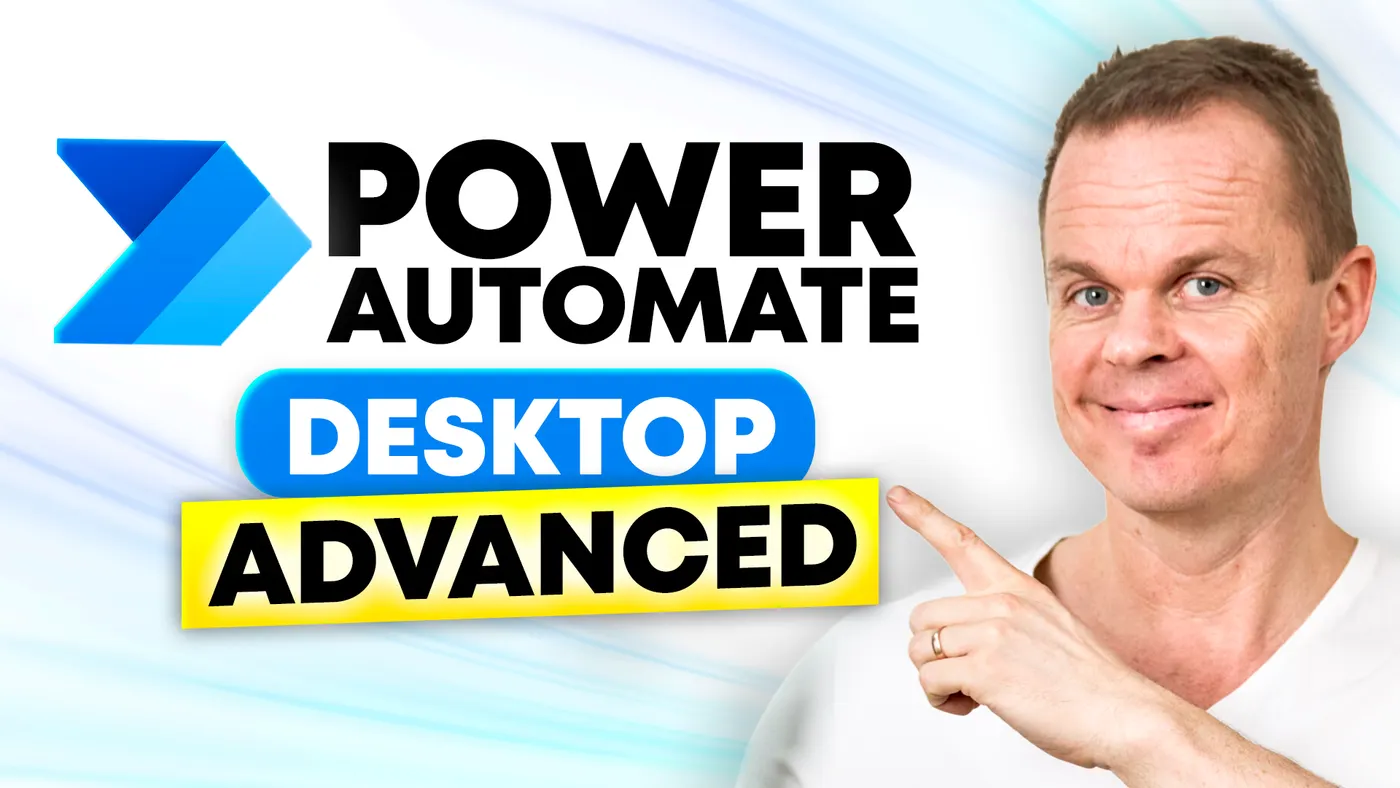
Power Automate Desktop advanced course

€6,700 + VAT

  • Build resilient PAD solutions with config and error handling.
  • Logging, SQL reporting, and work queues for enterprise flows.
  • Custom C# actions and dispatcher/performer architecture.
Get a tailored quote

4.9/5 (252 reviews)

Power Automate Desktop advanced course course thumbnail

Introduction

The next level in Power Automate Desktop

This course takes you from building basic PAD flows to creating robust, scalable enterprise solutions. We work with config files, environments, advanced error handling, validation, logging, SQL reporting, work queues, and custom C# actions: the toolkit professional automation developers use for production flows.

Why advanced PAD?

It is easy to build a flow that works once. It is a completely different discipline to build flows that run every day, fail in a controlled way, can be maintained by others, and deliver data back to the business. That is exactly what this course trains you in.

About the course

Details and modules

  • Lessons

    The course carefully covers advanced features in Microsoft Power Automate Desktop, including:

    • Configuration management: Learn to create and manage configuration files to enhance security and maintainability by separating sensitive information from your core scripts.
    • Logging: Develop comprehensive logging practices to track the execution of your flows, making it easier to troubleshoot and maintain your automation solutions.
    • Validation: Implement input and UI validation techniques to ensure data integrity and handle potential errors gracefully within your workflows.
    • Error handling: Learn advanced error-handling strategies to create resilient automation processes that can recover from unexpected issues.
    • Reporting: Set up detailed reporting solutions to keep stakeholders informed about the performance and outcomes of your automated tasks.
    • Orchestration: Automate the execution of your robots using various scheduling techniques, including Windows Task Scheduler and Power Automate Cloud flows.
    • Work queues: Use work queues, dispatchers, and performers to efficiently manage and distribute tasks across multiple robots.
    • Best practices: Learn the key tips and tricks for efficient and maintainable automation.

    Changes: New features are continuously added to Power Automate Desktop. When appropriate, we incorporate these in the course to ensure coverage of the newest functionalities. Thus, the above topics may change accordingly.

  • Learning outcomes

    By the end of this course, you will be able to:

    • Create configurable automation: Separate sensitive information from core scripts for better security and ease of updates.
    • Enhance troubleshooting: Implement detailed logging practices to monitor flow execution and simplify error identification.
    • Ensure data accuracy: Master advanced input and UI validation techniques to prevent errors and improve data quality.
    • Improve resilience: Apply advanced error handling to build workflows that handle and recover efficiently from unexpected issues.
    • Report to stakeholders: Set up reporting systems to provide comprehensive insights into the performance of your automated processes.
    • Optimize scheduling: Use scheduling tools like Windows Task Scheduler and Power Automate Cloud flows to automate the execution of your workflows.

    If you have completed both our Power Automate Desktop beginners course and the Power Automate Desktop advanced course, you are 80% ready to pass your PL-500: Microsoft Power Automate RPA Developer exam.

  • Target audience

    This course is designed for developers with experience in Power Automate Desktop or similar RPA tools such as UiPath or Blue Prism. It is ideal for those looking to advance their automation skills, implement best practices, and build complex workflows more effectively.

    For a basic understanding of Power Automate Desktop, please review our Power Automate Desktop beginners course.

  • Prerequisites

    Participants should have a basic knowledge of RPA concepts and experience with Power Automate Desktop or similar RPA tools like UiPath or Blue Prism. Familiarity with basic automation techniques and understanding standard RPA workflows are essential to benefit fully from this advanced course.

  • Duration and location

    The training lasts two days on a date and at a location we agree on together. The course can be held on-site or online, whichever suits you best.

    Online, we draw on our extensive experience from the YouTube channel and deliver an engaging, interactive learning environment.

    On-site, we are happy to travel where needed. Transport and accommodation are added by individual agreement.

  • Equipment and licenses

    The training is carried out on the participants' own Windows computers. Access to Microsoft Power Automate plus SQL Server and Visual Studio is required for the relevant modules.

  • Format

    The course combines live teaching with flexible e-learning content. That combination suits different learning styles and schedules.

    Expect a practical and interactive learning environment both live and in the e-learning. You work with concrete examples, take part in problem-solving, and get guidance from our instructors.

  • E-learning

    Participants get access to our always-updated practical e-learning on the I Love Automation platform, which can be used before, during, and after the training.

  • Number of participants

    For the most engaging and practical experience, we recommend up to about 15 participants per course. That ensures everyone has room to engage, ask questions, and get the support they need from the instructor.

  • Continue your learning online

    The learning does not stop when the course ends. You can strengthen your development with our continuously updated online courses and active communities, designed to turn new knowledge into concrete work.

  • Terms and conditions

    Our services follow clear business terms built on mutual trust and simple transactions. Note that all services require prepayment and are non-refundable. Read our terms and conditions for details.

  • Price and booking

    The price is fixed regardless of the number of participants, which makes the course ideal for teams that want comprehensive training at a good price.

    For questions, details, or booking, contact Stine at info@andersjensen.org. We reply within 24 hours and are happy to arrange a meeting or a short call about your needs.

Instructor

Anders Jensen

Anders Jensen, instructor in automation and AI

Instructor in automation and AI

Anders has made it his mission to show how automation works in the real world, without long PowerPoint presentations and without drowning in theory. With millions of views on YouTube, he is one of the world's most watched creators of automation and AI tutorials.

He has won the Microsoft Most Valuable Professional (MVP) award three years in a row, most recently within both Microsoft 365 Copilot and Power Automate, a recognition that reflects his hands-on expertise and his ability to turn complex technologies into real business value.

The teaching style is always practical. Anders explains theory while building solutions live, so both beginners and experienced professionals can take concrete lessons with them.

4.91/5 (921 reviews)

What participants say

"Anders is a truly excellent instructor who's incredibly present and attentive. He gives time and focus to each individual while maintaining the schedule smoothly, without any rush. The collaborative construction of various examples ensured a consistent pace and progression throughout the course. Individual help was readily available during and between sessions. Frequent breaks allowed for digestion of new material without losing momentum."
Course participant, Introduction to Power Automate Desktop, December 2023

Ratings

  • 5.0 /5 Google

  • 4.8 /5 LinkedIn Learning

  • 4.7 /5 across all courses

Certifications

  • Microsoft Most Valuable Professional
  • UiPath MVP

Booking and questions

Get a tailored quote

Tell us a bit about your team and what you need from the course. We reply within 24 hours.