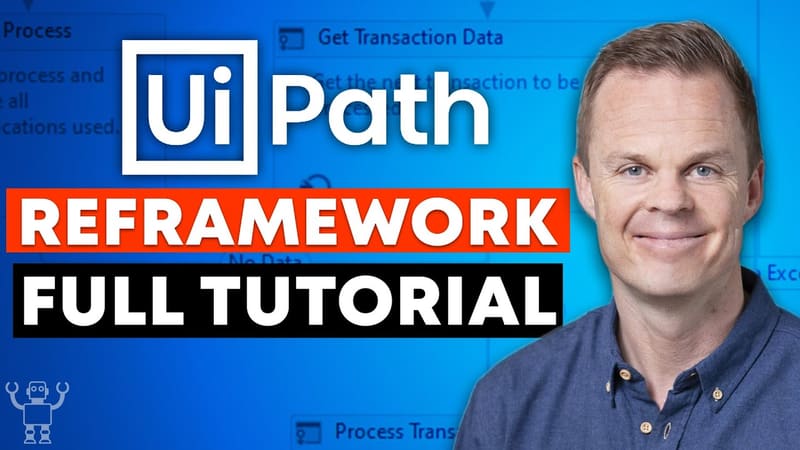
UiPath ReFramework Full Tutorial from Start to Finish
Do you want to watch a full UiPath REFramework tutorial with an easy use case? Then hold on! REFramework (Robotic Enterprise Framework) in UiPath is a very…
Anders JensenAutomation & AI Instructor
Do you want to watch a full UiPath REFramework tutorial with an easy use case? Then hold on!
REFramework (Robotic Enterprise Framework) in UiPath is a very powerful tool, that provides a template for using the State Machine Layout. It follows best practices for exception handling, logging and application initializing, which makes it perfect for enterprise RPA setups.
The guide will take you through all steps:
Setting up Orchestrator
Setting up the Config Excel sheet
The Init State (where we add to our queue among others)
Get Transaction Data
Process Transaction
Logging
And maybe most important exception handling
Do you want to go advanced?
My highly skilled colleague and I have created this very advanced UiPath REFramework Course, where we explain EVERYTHING using a end to end use case. Including ALL (1) States, (2) Settings, and (3) Properties. Follow this link to get the best discount on the course.
You can download the workflow files from the video right here.
Comments (9)
These comments were migrated from the previous version of this site. Commenting is closed.
Conrad Koekemoer
Where is the data file? Maybe I am blind...
Conrad Koekemoer
I cannot find the data file on this page. Can you help please?
Anders JensenAuthor
Hey Conrad, check "You can download the workflow files from the video right here." in the end of the text Kind regards, Anders
Divya
i didn't find the input file in the workflow zip.
Rob Baron
Hey Anders.
I cannot find the Excel file 'CEO' anywhere in the course files link you've provided. The link takes me to a google drive with several folders and files, none of which are an Excel file. Am I missing something?
James Chamberlain
Just like the previous posts, I see two Excel files - Config and Tests - but I do not see any input files in the section you referred to - "You can download the workflow files from the video right here." that is on this page.
There are many files, but no input Excel file or I am also missing something.
LoiNH
Do you any course about UiPath Test Suite?
Anders JensenAuthor
Unfortunately not :(
More tutorials
Drop Down Menus in UiPath (Find Children & Select Item)
Free tutorial from andersjensenorg: Drop Down Menus in UiPath (Find Children & Select Item). Video walkthrough, exercise files, hints, and solutions.
Anders' 3-hour UiPath REFramework course takes you through the framework from start to finish. Before launching a course, subscribers get the chance to…