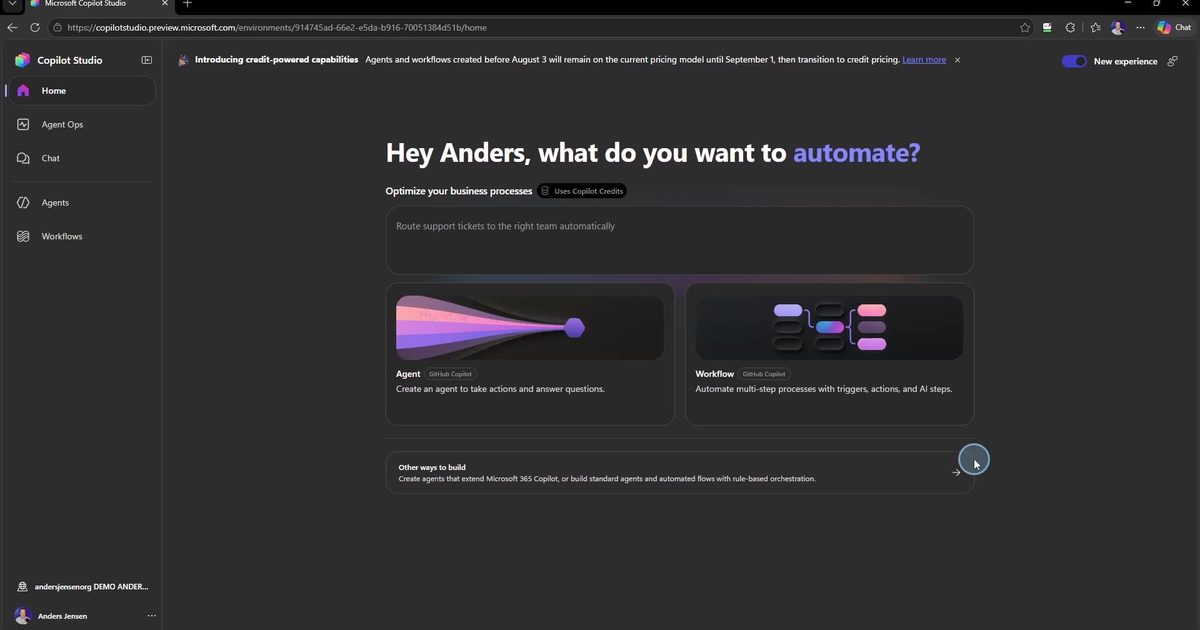
Copilot Studio did not just get a new feature. It got a new engine. On August 3rd, 2026 the new experience went live, and every new agent now starts on what Microsoft calls the GitHub Copilot harness. Classic Copilot Studio still exists, but it has been moved down into the corner under "Other ways to build". Microsoft is telling you fairly clearly where they want you to go.
This article gives you the overview: What happened, what a harness actually is, what the new experience looks like inside, and the three things you need to know before you click the first card. All of it is also shown on screen in the video below.
What happened?
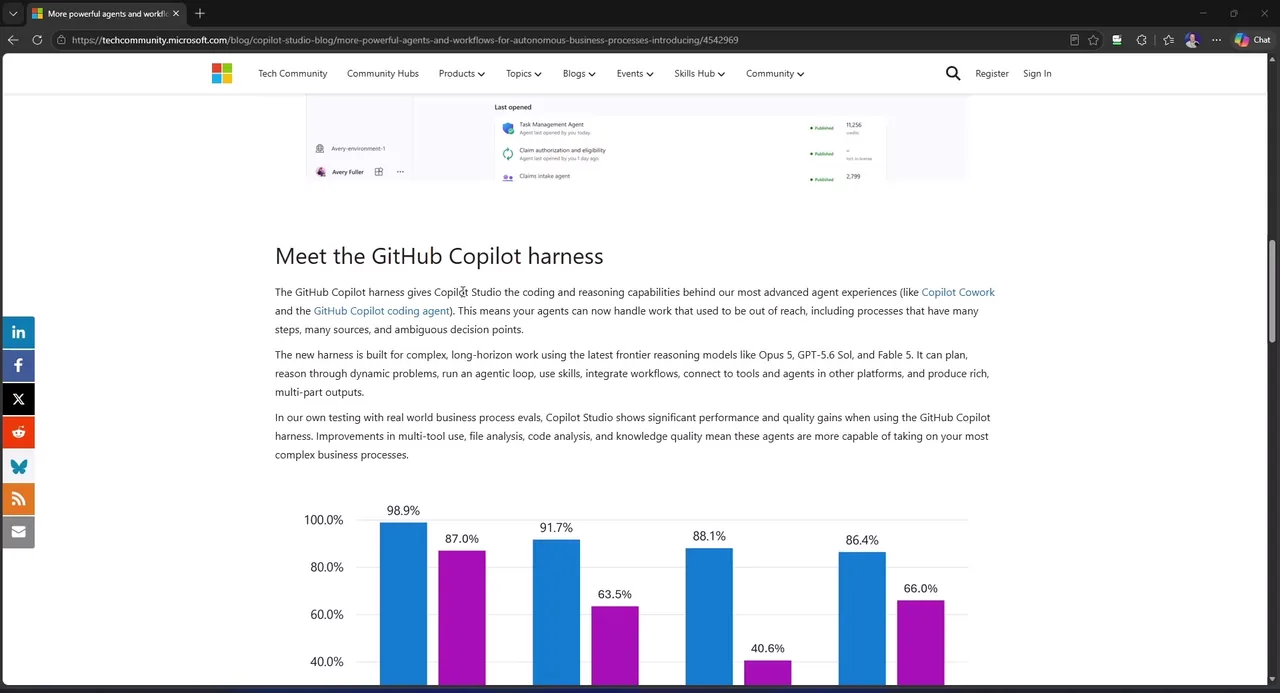
On August 3rd, Microsoft announced that Copilot Studio has a new harness, and that it is now generally available. The interesting part sits a little further down the page: It is the same engine that powers Copilot Cowork and GitHub Copilot's coding agent. The technology developers use to write code autonomously. That engine now builds your business agents.
The models follow suit. The new experience runs on frontier models like Claude Opus 5, GPT-5.6 Sol, and Claude Fable 5. Not the lightweight stuff, the big ones.
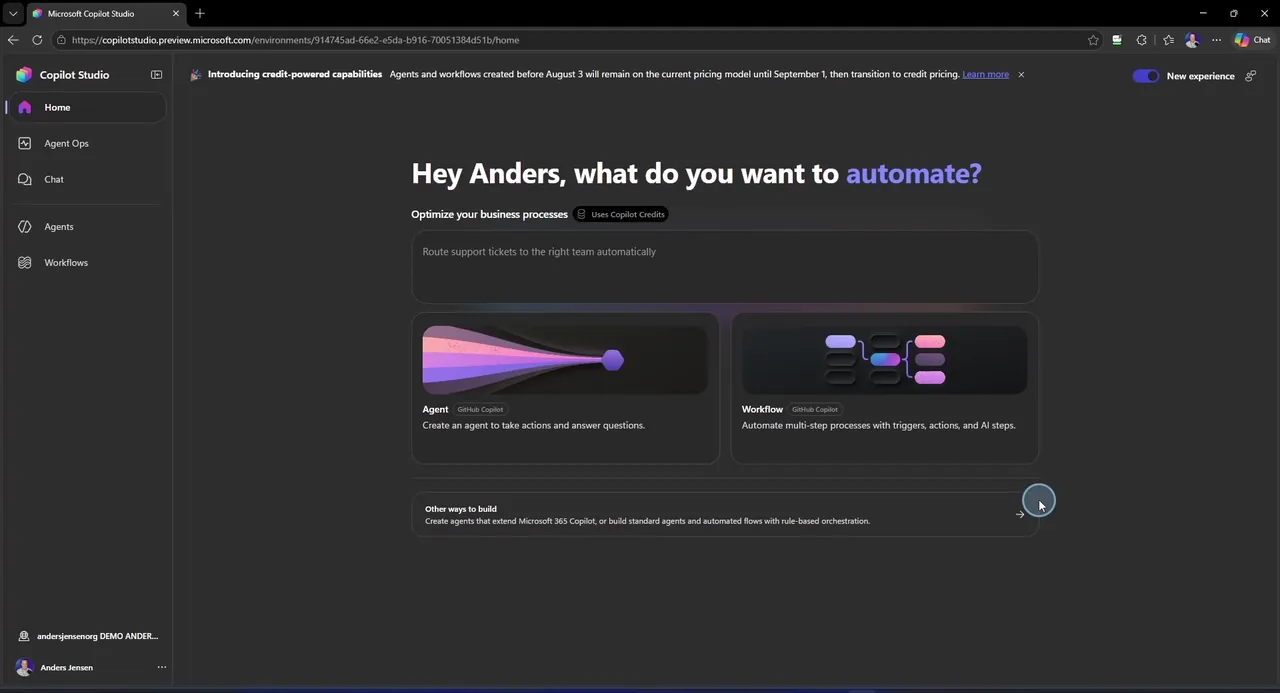
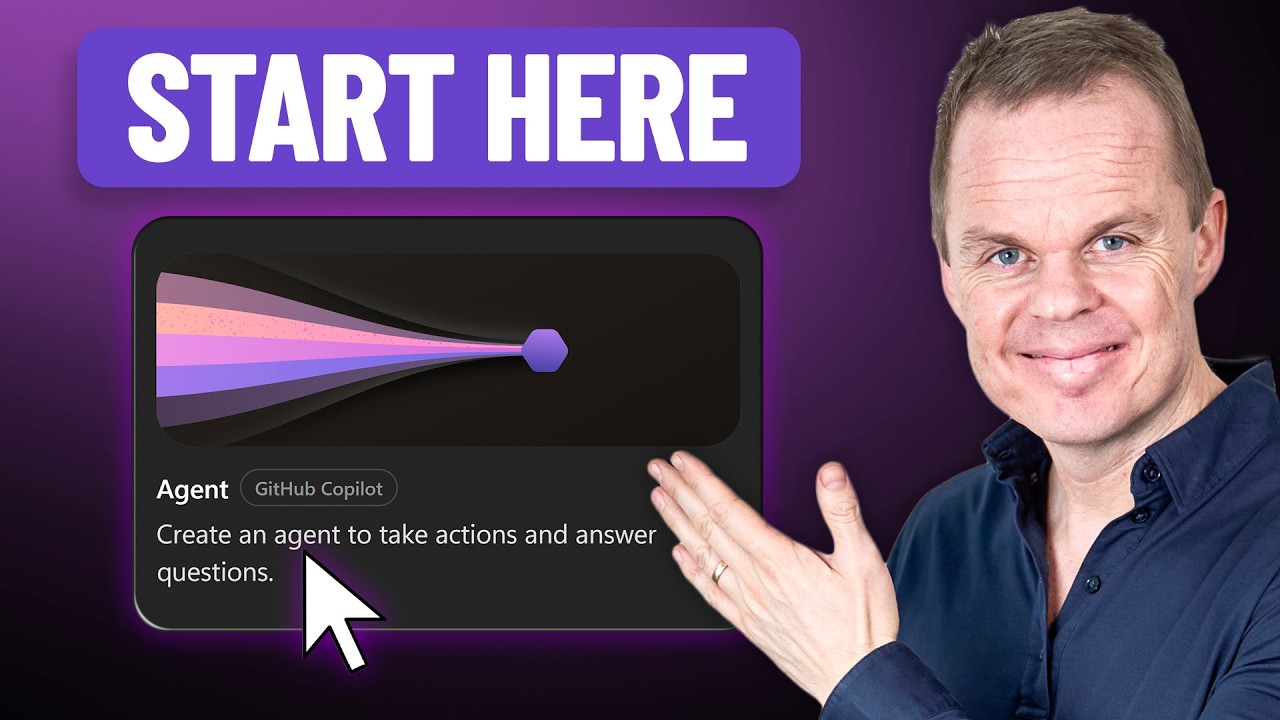
Open Copilot Studio today and you are met by two cards: Agent and Workflow. Both labeled GitHub Copilot. That is the new default.
What is a harness?
Microsoft uses the word harness again and again, so let us pin it down, because it actually matters.
Every AI agent consists of two parts: A model and a harness. The model is the AI itself, the thing you talk to in ChatGPT or Claude. It reads your request, thinks, and writes an answer. That is the brain. The harness is everything around the brain: The tools it can use, the memory, the file handling, and the loop that lets it work on a task until it is done. Same brain with a different harness gives you a completely different agent.
Copilot Studio now has three harnesses:
- Copilot Chat: Lightweight, lives inside Microsoft 365. For extending Copilot Chat with your organization's knowledge.
- Standard: The classic Copilot Studio with topics, triggers, and agent flows.
- GitHub Copilot: The new one. The engine from Cowork and the coding agent. Now the default choice for everything new.
Notice the purple box on the Learn page: Harnesses use different billing methods. We will come back to that detail, because it is more important than it looks.
The new experience: Skills instead of topics
Inside, it does not look like the Copilot Studio you know. Four tabs: Build, Preview, Evaluate, and Monitor. And the first thing you notice: No topics. If you have built in Copilot Studio before, topics were everything. They are gone here.
Instead, you get skills. A skill is a name, a description, and instructions written in plain language. You describe what the agent should be able to do, and when to use it. The agent figures out the rest. That is the agentic loop: It plans, it acts, it checks its own work, and it keeps going until the task is done. How that works in practice, from instructions through skills to publishing in Teams, is covered step by step in the guide to your first agent in the new Copilot Studio.
The new workflow designer
Agents are only half the story. The second card on the home page is Workflows, also running on the GitHub Copilot harness. Workflows are for the processes where you do not want creativity: Same input should give the same output, every time.
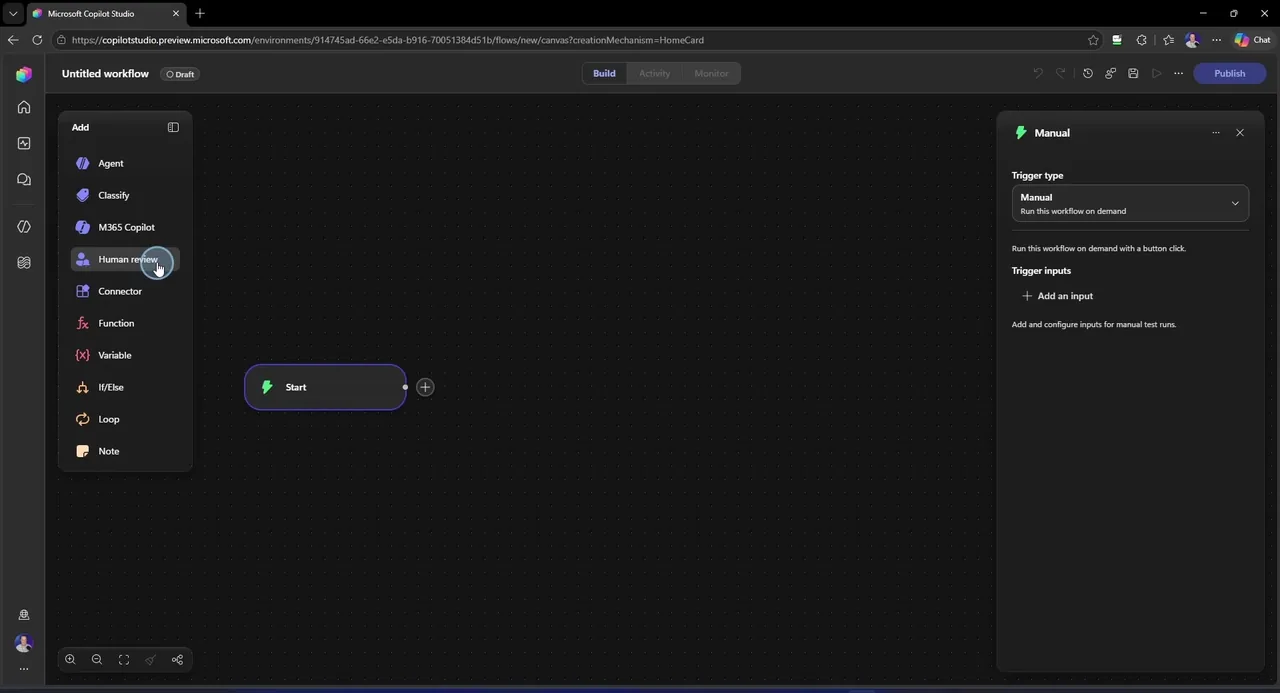
You start with a trigger: Run it manually, on a schedule, or when something happens, like an email coming in. Then you build on a visual canvas with actions, branching, loops, and connectors. The new part is the top of the Add menu: The AI steps come first. Agent lets you hand off to an agent right in the middle of your flow. Classify lets a model sort your data. M365 Copilot works with your documents. And Human review is just a node: Need approval before the flow continues, you drop it in. AI steps and rule-based steps on the same canvas.
Three things to know before you click
1. You pay before you publish. Classic Copilot Studio billed you when your agent went live. This one bills you from the moment you start building. Every test chat in the Preview tab costs credits. Every prompt where AI writes your instructions costs credits. Every eval run costs credits. To be fair: Clicking around is free, and manual configuration is free. It is the AI usage that costs. But think about how you build: You test constantly, and every one of those tests is now on the meter.
2. The choice is permanent. You cannot convert a GitHub Copilot agent to standard, and you cannot upgrade a standard agent to GitHub Copilot. Pick wrong, and you rebuild from scratch.
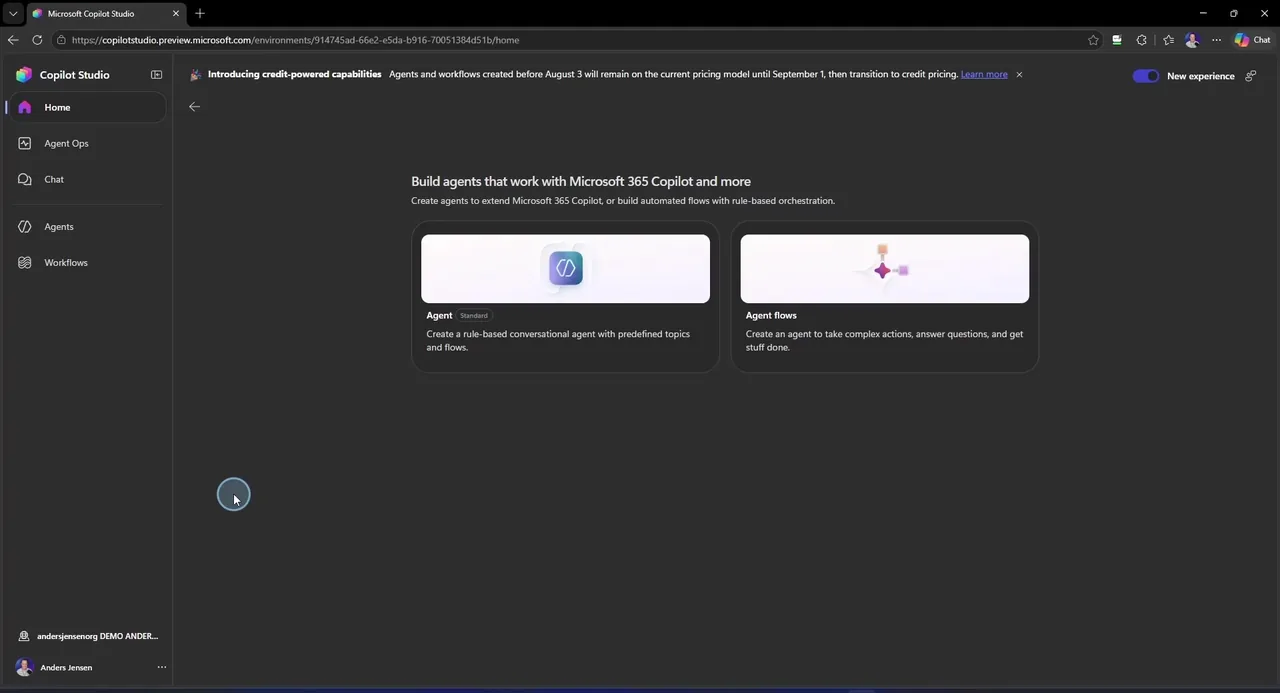
Classic is not dead. Under "Other ways to build" you find the standard agent with the topics and flows you know. It is just no longer where Microsoft points you.
3. There is a deadline. Agents and workflows created before August 3rd keep their old pricing model, but only until September 1st, 2026. After that they move to credit billing. And one more thing, because you are probably thinking it: Your Microsoft 365 Copilot license does not cover the new experience. On the standard harness it could. Here, it is credits, license or not. What a credit costs, and what your agents land at per month, is something you can run the numbers on in the pricing guide with calculator.
So is it a money grab?
That is what parts of Reddit are calling it: Way higher usage than classic, no cheap models, and it landed quietly. But also read the reply in that thread from Ryan Cunningham, the VP who runs the product: His point is that you only pay when you are actually using AI.
He leaves one thing out, though: Credits do not just pay for the model, they also pay for the harness itself. So every test chat costs more than raw AI tokens. My take, then: Great engine, expensive meter. Go in with open eyes.
The consumption model with Copilot Credits is the same one that applies to Copilot Cowork, and how to govern it with limits and pilot groups is covered in the guide on usage-based billing and Cowork access.
Frequently asked questions
Can I convert an agent between harnesses?
No. An agent built on the GitHub Copilot harness cannot be converted to standard, and a standard agent cannot be upgraded to GitHub Copilot. Pick wrong, and you rebuild from scratch. Choose your harness before you build anything big.
Does my Microsoft 365 Copilot license cover the new experience?
No. On the standard harness the license can cover internal users' usage, but on the GitHub Copilot harness everything is paid with Copilot Credits, license or not. That applies both while you build and when the agent runs.
What happens to my existing agents?
Agents and workflows created before August 3rd, 2026 keep their current pricing model until September 1st, 2026. After that they move to credit billing. Run the numbers on your agents before the deadline hits.
Is classic Copilot Studio dead?
No. The standard harness with topics and agent flows still exists, under Other ways to build on the home page. But it is no longer where Microsoft points you: Every new agent now starts on the GitHub Copilot harness by default.
The new Copilot Studio is still new, and we learn something every time we test in our own tenant. We share that knowledge in our community I Love Automation.