On August 3rd, 2026, Copilot Studio switched to usage-based billing with Copilot Credits. The calculator above shows what your agents cost per month, using Microsoft's own rates and correct license math. Pick a starting point, adjust the numbers, and share the scenario with colleagues via "Copy link". All numbers are estimates, not an invoice. The rest of this article explains what sits behind the numbers: What a credit is, what burns them fastest, and how to buy them cheapest.
What is a Copilot Credit?
A Copilot Credit is Microsoft's billing unit across Copilot products: Copilot Studio agents, Copilot Cowork, Dynamics 365, and Work IQ. A credit costs one cent by default, and credits sit in one shared pool at tenant level. Your agent budget is the same budget as your Cowork users', which nobody tells you up front.
The rates for each consumption type come from Microsoft's Credits Guide and Microsoft's own estimator:
- Tenant graph grounding: 12 credits per response. Responses that pull from your own Microsoft 365 data (SharePoint, Outlook, Teams). The expensive tier.
- All other knowledge: 2 credits per response. Files, websites, and Dataverse.
- Tool invocations: 5 credits per call. Whether it is a prompt, an agent flow, computer use, a connector, an MCP server, or a REST API.
- Agent flows: 13 credits per 100 actions for standalone flows.
- AI prompts in three tiers: Basic, Standard, and Premium each carry their own surcharge. The model you pick has a price too.
The math from the calculator's medium scenario: 100 users with 20 conversations per month is 2,000 conversations. Half use knowledge, and half of those again use tenant graph grounding. With a handful of tools it lands at 15,000 credits, which is 150 dollars per month. For one agent.
Three ways to buy credits
The difference between the three purchase options is commitment, discount, and what happens to the credits you do not use.
- Pay-as-you-go: One cent per credit, billed at the end of each month. No commitment, no waste: You only pay for what you use. Provisioned in the Power Platform admin center.
- Capacity pack: 25,000 credits for 200 dollars per month, which is 0.8 cents per credit. But the pack resets every month, and unused credits are gone. Use only half, and you effectively paid 1.6 cents per credit.
- Pre-Purchase Plan (P3): A year up front with a 5 to 20 percent volume discount. Unused credits expire at the end of the term. The discount ladder starts at 300,000 credits, so this is an enterprise conversation.
Rule of thumb: Below 20,000 credits per month, pay-as-you-go wins. Above 20,000, the pack wins. The math is simple: 20,000 credits times one cent is 200 dollars, exactly the price of a pack. The calculator above automatically picks the cheapest combination for your scenario.
One detail worth knowing: The 25,000-credit pack is not on a pricing card on Microsoft's pricing page. The two Copilot Studio cards show no price at all. The number sits in the FAQ under "How can I purchase Microsoft Copilot Studio?".
The license does not cover the new experience
The most important licensing question has a two-part answer. On the classic harnesses (Standard and Copilot Chat), internal users with a Microsoft 365 Copilot license are exempt from credit billing. That is the B2E exemption in the Credits Guide. If all your users are licensed, an internal classic agent is effectively covered by the license.
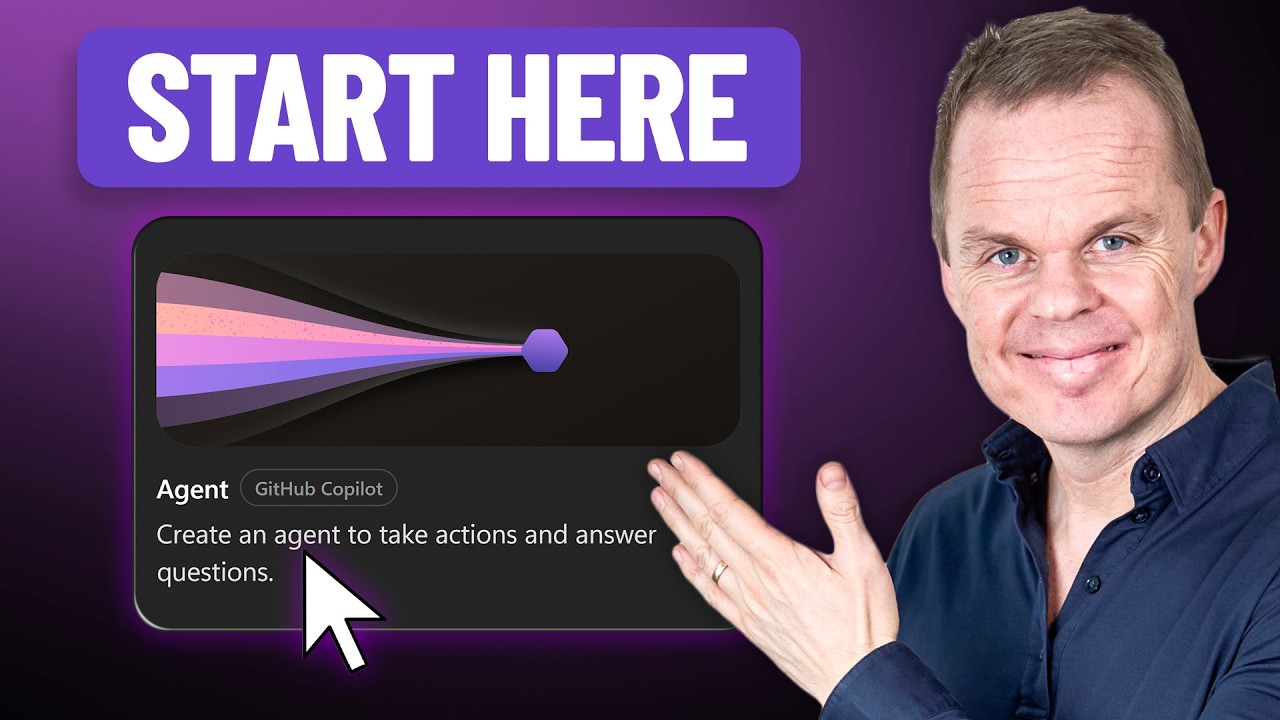
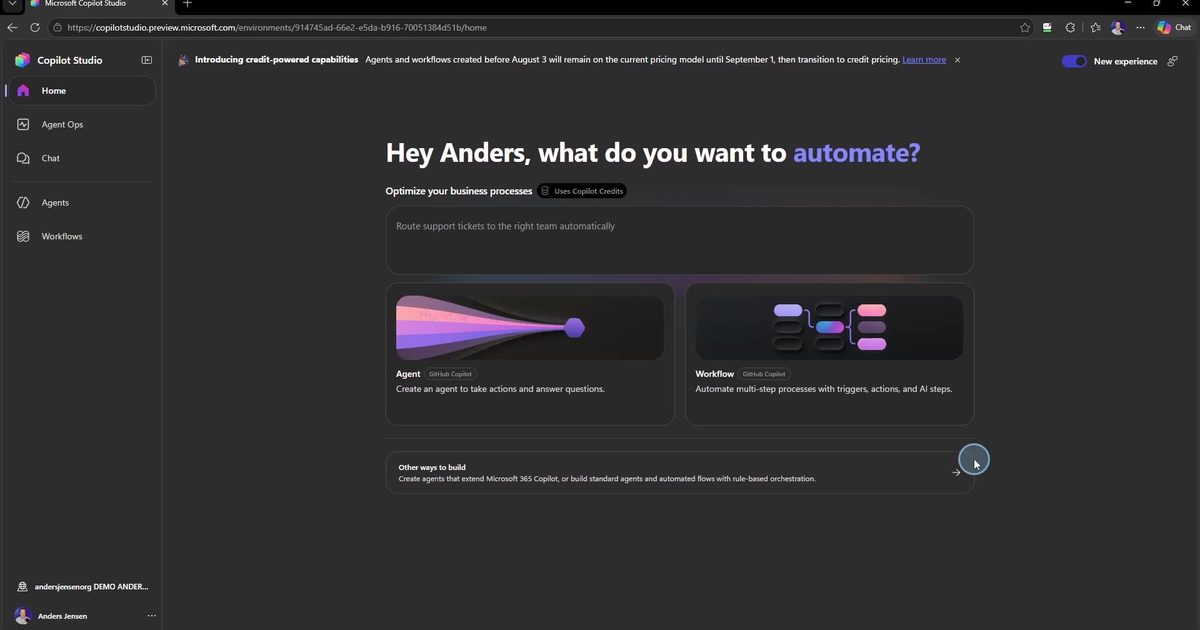
On the new GitHub Copilot harness that exemption does not exist. You pay with credits during both building and runtime, license or not. And note the phrase "during building": On the new harness, preview chats, AI-written instructions, and eval runs cost credits before the agent is even published. Evaluations are billed like regular runtime. What a complete agent build involves in practice is shown in the guide to your first agent in the new Copilot Studio.
As of this writing, Microsoft has not published concrete rates for the new harness. The Credits Guide references tables that are not in the document. That is why the calculator above uses the classic rates as an open assumption when you select the GitHub Copilot harness, and shows the build phase as a separate line.
Deadline: September 1st, 2026
If you have agents running today, there is a deadline. Agents and workflows created before August 3rd, 2026 keep their old pricing model until September 1st, 2026. After that they move to credit billing, and everything above applies to them too. Run your existing agents through the calculator before the deadline hits, so the bill does not come as a surprise.
What the switch to the new Copilot Studio experience means, and what a harness even is, is covered in The New Copilot Studio Explained.
Frequently asked questions
Does my Microsoft 365 Copilot license cover Copilot Studio?
Only partially. On the classic harnesses (Standard and Copilot Chat), licensed internal users are exempt from credit billing. On the new GitHub Copilot harness the exemption does not apply: You pay with credits during both building and runtime, license or not.
How much does a Copilot Studio license cost?
Copilot Studio is sold as a tenant license with capacity packs of 25,000 Copilot Credits for 200 dollars per month. Alternatively you can pay as you go at one cent per credit, or prepay a year at a discount through the Pre-Purchase Plan.
What happens on September 1st, 2026?
Agents and workflows created before August 3rd, 2026 keep their old pricing model until September 1st, 2026. After that they move to credit billing. If you have agents running today, do the math before then.
Do unused credits carry over to the next month?
No. The capacity pack's 25,000 credits reset every month with no carry-over, and Pre-Purchase Plan credits expire at the end of the annual term. Only pay-as-you-go has no waste, because you only pay for actual consumption.
Are Copilot Credits the same as tokens?
No. Tokens are the models' internal unit. Copilot Credits are Microsoft's billing unit across Copilot products, where 1 credit costs 1 cent. A single response can consume many tokens but is billed as a fixed number of credits.
If you are scaling Copilot from personal productivity to processes, including agents and consumption governance, we are happy to help: See how we help with internal AI assistants and agents.